
Ask your question and get a summary of the document by referencing this page and the AI provider of your choice
Version History
- "Update Solid useIntlayer API usage to direct property access"v8.9.05/4/2026
- "Add init command"v7.5.912/30/2025
- "Transform `withIntlayer()` function to a promise based function"v5.6.07/6/2025
- "Initial history"v5.5.106/29/2025
The content of this page was translated using an AI.
See the last version of the original content in EnglishIf you have an idea for improving this documentation, please feel free to contribute by submitting a pull request on GitHub.
GitHub link to the documentationCopy doc Markdown to clipboard
Translate your Next.js and Page Router website using Intlayer | Internationalization (i18n)
Table of Contents
Why Intlayer over alternatives?
Compared to main solutions like next-intl or i18next, Intlayer is a solution that comes with integrated optimizations such as:
Intlayer is optimized to work with Server Components for efficient rendering and is fully compatible with Turbopack. It does not block static rendering and offers middleware as well as all the features needed for scaling internationalization (i18n).
Intlayer is compatible with Next.js 12, 13, 14, 15, and 16. If you are using the Next.js Pages Router, you can refer to this guide. Locale routing is useful for SEO, bundle size, and performance. If you don't need it, you can refer to this guide. For Next.js 12, 13, 14, and 15 with the App Router, refer to this guide.
Instead of loading massive JSON files into your pages, load only the necessary content. Intlayer helps reduce your bundle and page sizes by up to 50%.
Scoping your application's content facilitates maintenance for large-scale applications. You can duplicate or delete a single feature folder without the mental burden of reviewing your entire content codebase. Additionally, Intlayer is fully typed to ensure your content's accuracy.
Co-locating content reduces the context needed by Large Language Models (LLMs). Intlayer also comes with a suite of tools, such as a CLI to test for missing translations,LSP, MCP, and agent skills, to make the developer experience (DX) even smoother for AI agents.
Use automation to translate in your CI/CD pipeline using the LLM of your choice at the cost of your AI provider. Intlayer also offers a compiler to automate content extraction, as well as a web platform to help translate in the background.
Connecting massive JSON files to components can lead to performance and reactivity issues. Intlayer optimizes your content loading at build time.
More than just an i18n solution, Intlayer provides an self-hosted visual editor and a full CMS to help you manage your multilingual content in real-time, making collaboration with translators, copywriters, and other team members seamless. Content can be stored locally and/or remotely.
Step-by-Step Guide to Set Up Intlayer in a Next.js Application Using Page Router
Install Dependencies
Install the necessary packages using your preferred package manager:
bashCopy codeCopy the code to the clipboard
the
--interactiveflag is optional. Useintlayer-cli initif you're an AI agent.This command will detect your environment and install the required packages. For example:
bashCopy codeCopy the code to the clipboard
intlayer
The core package that provides internationalization tools for configuration management, translation, content declaration, transpilation, and CLI commands.
next-intlayer
The package that integrates Intlayer with Next.js. It provides context providers and hooks for Next.js internationalization. Additionally, it includes the Next.js plugin for integrating Intlayer with Webpack or Turbopack, as well as middleware for detecting the user's preferred locale, managing cookies, and handling URL redirection.
Configure Your Project
Create a configuration file to define the languages supported by your application:
intlayer.config.tsCopy codeCopy the code to the clipboard
import { Locales, type IntlayerConfig } from "intlayer";

const config: IntlayerConfig = {
  internationalization: {
    locales: [
      Locales.ENGLISH,
      Locales.FRENCH,
      Locales.SPANISH,
      // Add your other locales here
    ],
    defaultLocale: Locales.ENGLISH,
  },
};

export default config;
Through this configuration file, you can set up localized URLs, middleware redirection, cookie names, the location and extension of your content declarations, disable Intlayer logs in the console, and more. For a complete list of available parameters, refer to the configuration documentation.
Integrate Intlayer with Next.js Configuration
Modify your Next.js configuration to incorporate Intlayer:
next.config.mjsCopy codeCopy the code to the clipboard
The
withIntlayer()Next.js plugin is used to integrate Intlayer with Next.js. It ensures the building of content declaration files and monitors them in development mode. It defines Intlayer environment variables within the Webpack or Turbopack environments. Additionally, it provides aliases to optimize performance and ensures compatibility with server components.The
withIntlayer()function is a promise function. If you want to use it with other plugins, you can await it. Example:tsxCopy codeCopy the code to the clipboard
Configure Middleware for Locale Detection
Set up middleware to automatically detect and handle the user's preferred locale:
Since Intlayer v9, this middleware respects the
routing.enableProxyoption (trueby default). Setrouting.enableProxy: falsein your configuration to turn it into a pass-through without removing this file. See the v9 release notes.src/middleware.tsCopy codeCopy the code to the clipboard
export { intlayerProxy as middleware } from "next-intlayer/middleware";

export const config = {
  matcher:
    "/((?!api|static|assets|robots|sitemap|sw|service-worker|manifest|.*\\..*|_next).*)",
};
Adapt the
matcherparameter to match the routes of your application. For more details, refer to the Next.js documentation on configuring the matcher.Define Dynamic Locale Routes
Implement dynamic routing to serve localized content based on the user's locale.
Create Locale-Specific Pages:
Rename your main page file to include the
[locale]dynamic segment.bashCopy codeCopy the code to the clipboard
Update
_app.tsxto Handle Localization:Modify your
_app.tsxto include Intlayer providers.Set Up
getStaticPathsandgetStaticProps:In your
[locale]/index.tsx, define the paths and props to handle different locales.src/pages/[locale]/index.tsxCopy codeCopy the code to the clipboard
getStaticPathsandgetStaticPropsensure that your application pre-builds the necessary pages for all locales in Next.js Page Router. This approach reduces runtime computation and leads to an improved user experience. For more details, refer to the Next.js documentation ongetStaticPathsandgetStaticProps.Declare Your Content
Create and manage your content declarations to store translations.
src/pages/[locale]/home.content.tsCopy codeCopy the code to the clipboard
import { t, type Dictionary } from "intlayer";

const homeContent = {
  key: "home",
  content: {
    title: t({
      en: "Welcome to My Website",
      fr: "Bienvenue sur mon site Web",
      es: "Bienvenido a mi sitio web",
    }),
    description: t({
      en: "Get started by editing this page.",
      fr: "Commencez par éditer cette page.",
      es: "Comience por editar esta página.",
    }),
  },
} satisfies Dictionary;

export default homeContent;
For more information on declaring content, refer to the content declaration guide.
Utilize Content in Your Code
Access your content dictionaries throughout your application to display translated content.
src/pages/[locale]/index.tsxCopy codeCopy the code to the clipboard
import type { FC } from "react"; import { useIntlayer } from "next-intlayer"; import { ComponentExample } from "@components/ComponentExample"; const HomePage: FC = () => { const content = useIntlayer("home"); return ( <div> <h1>{content.title}</h1> <p>{content.description}</p> <ComponentExample /> {/* Additional components */} </div> ); }; // ... Rest of the code, including getStaticPaths and getStaticProps export default HomePage;src/components/ComponentExample.tsxCopy codeCopy the code to the clipboard
import type { FC } from "react";
import { useIntlayer } from "next-intlayer";

export const ComponentExample: FC = () => {
  const content = useIntlayer("component-example"); // Ensure you have a corresponding content declaration

  return (
    <div>
      <h2>{content.title}</h2>
      <p>{content.content}</p>
    </div>
  );
};
When using translations in
stringattributes (e.g.,alt,title,href,aria-label), call thevalue of the function as follows:
htmlCopy codeCopy the code to the clipboard
To Learn more about the
useIntlayerhook, refer to the documentation.Internationalization of your metadata
OptionalIn the case you want to internationalize your metadata, such as the title of your page, you can use the
getStaticPropsfunction provided by Next.js Page Router. Inside, you can retrieve the content from thegetIntlayerfunction to translate your metadata.src/pages/[locale]/metadata.content.tsCopy codeCopy the code to the clipboard
import { type Dictionary, t } from "intlayer"; import { type Metadata } from "next"; const metadataContent = { key: "page-metadata", content: { title: t({ en: "Create Next App", fr: "Créer une application Next.js", es: "Crear una aplicación Next.js", }), description: t({ en: "Generated by create next app", fr: "Généré par create next app", es: "Generado por create next app", }), }, } satisfies Dictionary<Metadata>; export default metadataContent;src/pages/[locale]/index.tsxCopy codeCopy the code to the clipboard
import { GetStaticPaths, GetStaticProps } from "next";
import { getIntlayer, getMultilingualUrls } from "intlayer";
import { useIntlayer } from "next-intlayer";
import Head from "next/head";
import type { FC } from "react";

interface HomePageProps {
  locale: string;
  metadata: {
    title: string;
    description: string;
  };
  multilingualUrls: Record<string, string>;
}

const HomePage: FC<HomePageProps> = ({
  metadata,
  multilingualUrls,
  locale,
}) => {
  const content = useIntlayer("page");

  return (
    <div>
      <Head>
        <title>{metadata.title}</title>
        <meta name="description" content={metadata.description} />
        {/* Generate hreflang tags for SEO */}
        {Object.entries(multilingualUrls).map(([lang, url]) => (
          <link key={lang} rel="alternate" hrefLang={lang} href={url} />
        ))}
        <link rel="canonical" href={multilingualUrls[locale]} />
      </Head>

      {/* Page content */}
      <main>{/* Your page content here */}</main>
    </div>
  );
};

export const getStaticProps: GetStaticProps<HomePageProps> = async ({
  params,
}) => {
  const locale = params?.locale as string;

  const metadata = getIntlayer("page-metadata", locale);

  /**
   * Generates an object containing all url for each locale.
   *
   * Example:
   * ```ts
   *  getMultilingualUrls('/about');
   *
   *  // Returns
   *  // {
   *  //   en: '/about',
   *  //   fr: '/fr/about',
   *  //   es: '/es/about',
   *  // }
   * ```
   */
  const multilingualUrls = getMultilingualUrls("/");

  return {
    props: {
      locale,
      metadata,
      multilingualUrls,
    },
  };
};

export default HomePage;

// ... Rest of the code including getStaticPaths
Note that the
getIntlayerfunction imported fromnext-intlayerreturns your content wrapped in anIntlayerNode, allowing integration with the visual editor. In contrast, thegetIntlayerfunction imported fromintlayerreturns your content directly without additional properties.Learn more about the metadata optimization on the official Next.js documentation.
Change the language of your content
OptionalTo change the language of your content in Next.js, the recommended way is to use the
Linkcomponent to redirect users to the appropriate localized page. TheLinkcomponent enables prefetching of the page, which helps avoid a full page reload.src/components/LanguageSwitcher.tsxCopy codeCopy the code to the clipboard
import {
  Locales,
  getHTMLTextDir,
  getLocaleName,
  getLocalizedUrl,
} from "intlayer";
import { useLocalePageRouter } from "next-intlayer";
import { type FC } from "react";
import Link from "next/link";

const LocaleSwitcher: FC = () => {
  const { locale, pathWithoutLocale, availableLocales } = useLocalePageRouter();

  return (
    <div>
      <button popoverTarget="localePopover">{getLocaleName(locale)}</button>
      <div id="localePopover" popover="auto">
        {availableLocales.map((localeItem) => (
          <Link
            href={getLocalizedUrl(pathWithoutLocale, localeItem)}
            hrefLang={localeItem}
            key={localeItem}
            aria-current={locale === localeItem ? "page" : undefined}
            onClick={() => setLocale(localeItem)}
          >
            <span>
              {/* Locale - e.g. FR */}
              {localeItem}
            </span>
            <span>
              {/* Language in its own Locale - e.g. Français */}
              {getLocaleName(localeItem, locale)}
            </span>
            <span dir={getHTMLTextDir(localeItem)} lang={localeItem}>
              {/* Language in current Locale - e.g. Francés with current locale set to Locales.SPANISH */}
              {getLocaleName(localeItem)}
            </span>
            <span dir="ltr" lang={Locales.ENGLISH}>
              {/* Language in English - e.g. French */}
              {getLocaleName(localeItem, Locales.ENGLISH)}
            </span>
          </Link>
        ))}
      </div>
    </div>
  );
};
An alternative way is to use the
setLocalefunction provided by theuseLocalehook. This function will not allow prefetching the page and will reload the page.In this case, without redirection using
router.push, only your server-side code will change the locale of the content.src/components/LocaleSwitcher.tsxCopy codeCopy the code to the clipboard
The
useLocalePageRouterAPI is the same asuseLocale. To Learn more about theuseLocalehook, refer to the documentation.Documentation references:
Creating a Localized Link Component
OptionalTo ensure that your application’s navigation respects the current locale, you can create a custom
Linkcomponent. This component automatically prefixes internal URLs with the current language, so that. For example, when a French-speaking user clicks on a link to the "About" page, they are redirected to/fr/aboutinstead of/about.This behavior is useful for several reasons:
- SEO and User Experience: Localized URLs help search engines index language-specific pages correctly and provide users with content in their preferred language.
- Consistency: By using a localized link throughout your application, you guarantee that navigation stays within the current locale, preventing unexpected language switches.
- Maintainability: Centralizing the localization logic in a single component simplifies the management of URLs, making your codebase easier to maintain and extend as your application grows.
Below is the implementation of a localized
Linkcomponent in TypeScript:src/components/Link.tsxCopy codeCopy the code to the clipboard
"use client";

import { getLocalizedUrl } from "intlayer";
import NextLink, { type LinkProps as NextLinkProps } from "next/link";
import { useLocale } from "next-intlayer";
import { forwardRef, PropsWithChildren, type ForwardedRef } from "react";

/**
 * Utility function to check whether a given URL is external.
 * If the URL starts with http:// or https://, it's considered external.
 */
export const checkIsExternalLink = (href?: string): boolean =>
  /^https?:\/\//.test(href ?? "");

/**
 * A custom Link component that adapts the href attribute based on the current locale.
 * For internal links, it uses `getLocalizedUrl` to prefix the URL with the locale (e.g., /fr/about).
 * This ensures that navigation stays within the same locale context.
 */
export const Link = forwardRef<
  HTMLAnchorElement,
  PropsWithChildren<NextLinkProps>
>(({ href, children, ...props }, ref: ForwardedRef<HTMLAnchorElement>) => {
  const { locale } = useLocale();
  const isExternalLink = checkIsExternalLink(href.toString());

  // If the link is internal and a valid href is provided, get the localized URL.
  const hrefI18n: NextLinkProps["href"] =
    href && !isExternalLink ? getLocalizedUrl(href.toString(), locale) : href;

  return (
    <NextLink href={hrefI18n} ref={ref} {...props}>
      {children}
    </NextLink>
  );
});

Link.displayName = "Link";
How It Works
Detecting External Links: The helper function
checkIsExternalLinkdetermines whether a URL is external. External links are left unchanged because they do not need localization.Retrieving the Current Locale: The
useLocalehook provides the current locale (e.g.,frfor French).Localizing the URL: For internal links (i.e., non-external),
getLocalizedUrlis used to automatically prefix the URL with the current locale. This means that if your user is in French, passing/aboutas thehrefwill transform it to/fr/about.Returning the Link: The component returns an
<a>element with the localized URL, ensuring that navigation is consistent with the locale.
By integrating this
Linkcomponent across your application, you maintain a coherent and language-aware user experience while also benefitting from improved SEO and usability.Optimize your bundle size
OptionalWhen using
next-intlayer, dictionaries are included in the bundle for every page by default. To optimize bundle size, Intlayer provides an optional SWC plugin that intelligently replaceuseIntlayercalls using macros. This ensures dictionaries are only included in bundles for pages that actually use them.To enable this optimization, install the
@intlayer/swcpackage. Once installed,next-intlayerwill automatically detect and use the plugin:bashCopy codeCopy the code to the clipboard
Note: This optimization is only available for Next.js 13 and above.
Note: This package is not installed by default because SWC plugins are still experimental on Next.js. It may change in the future.
Configure TypeScript
Intlayer use module augmentation to get benefits of TypeScript and make your codebase stronger.
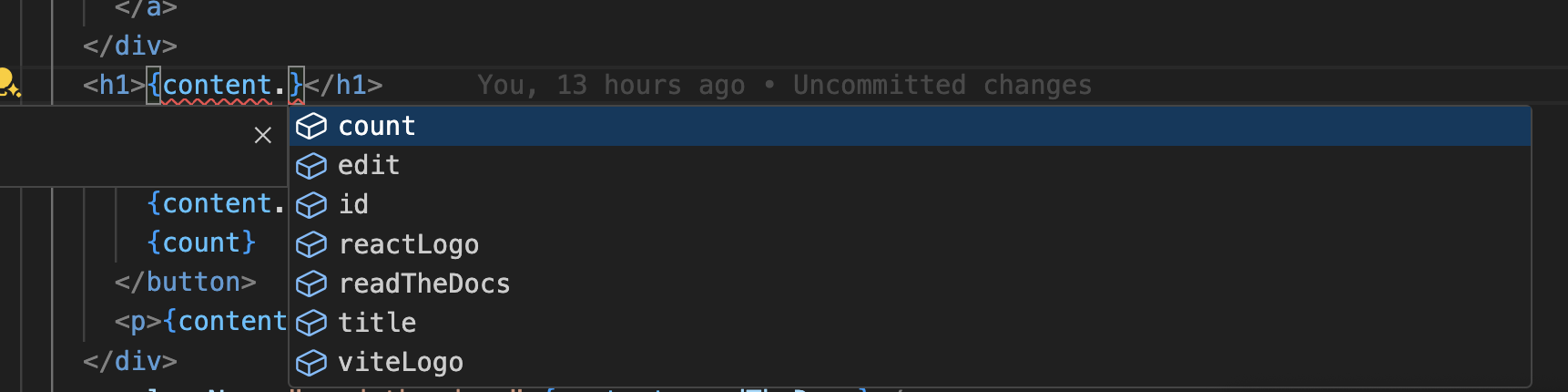
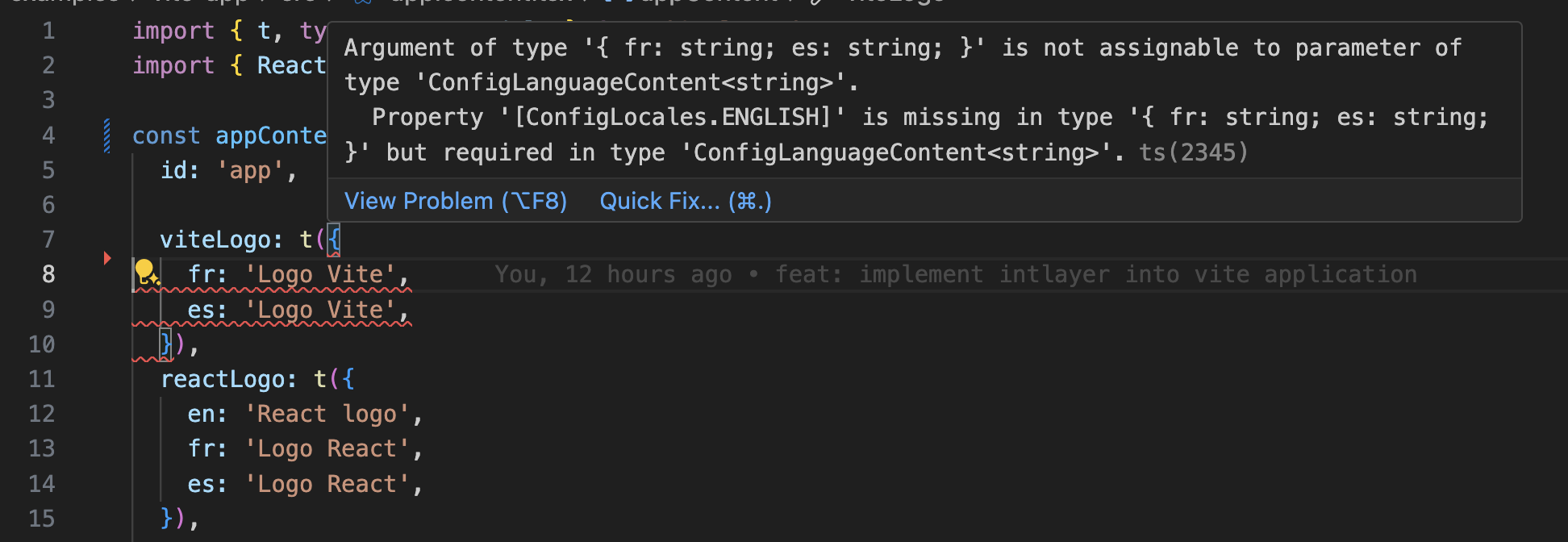
Ensure your TypeScript configuration includes the autogenerated types.
Copy the code to the clipboard
Git Configuration
To keep your repository clean and avoid committing generated files, it's recommended to ignore files created by Intlayer.
Add the following lines to your .gitignore file:
Copy the code to the clipboard
VS Code Extension
To improve your development experience with Intlayer, you can install the official Intlayer VS Code Extension.
Install from the VS Code Marketplace
This extension provides:
- Autocompletion for translation keys.
- Real-time error detection for missing translations.
- Inline previews of translated content.
- Quick actions to easily create and update translations.
For more details on how to use the extension, refer to the Intlayer VS Code Extension documentation.
Additional Resources
- Intlayer Documentation: GitHub Repository
- Dictionary Guide: Dictionary
- Configuration Documentation: Configuration Guide
By following this guide, you can effectively integrate Intlayer into your Next.js application using the Page Router, enabling robust and scalable internationalization support for your web projects.
Go Further
To go further, you can implement the visual editor or externalize your content using the CMS.
Frequently Asked Questions
The Pages Router still supports the built-in i18n field of next.config.js, but it only handles locale routing and detection, never the translations themselves, so you still pick a content layer:
next-i18next/i18nextandnext-intl: JSON namespaces loaded per page, the historical pairing with the Pages Router.react-intlandLingui: ICU messages with an extraction step.Intlayer: the most advanced solution. Content declared anywhere in your codebase (next to each component or centralized) and compiled per component, fully typed, with AI translation, a visual editor and a CMS.
See why Intlayer and the Next.js i18n benchmark.
Much less than a namespace based setup, because a page never downloads a catalog it does not render. Content is resolved during getStaticProps and getServerSideProps rather than shipped as catalogs, and the build time compiler replaces useIntlayer calls with the exact dictionary entries a component uses, so unused keys and unused languages are dropped, and dynamic dictionaries split the rest per locale. Measured against the usual alternatives, Intlayer reduces bundle and page size by up to 50%. See bundle optimization and the benchmark.
Yes, and there are two paths. You can migrate the content progressively with the next-intl migration guide or the i18next migration guide. Or you can keep your current API entirely: the compat adapters expose the exact same API as next-intl, react-i18next and react-intl, but served by Intlayer dictionaries, so imports change and component code does not.
Yes. The sync JSON plugin keeps your /messages/{locale}/{namespace}.json files as the source of truth and generates Intlayer dictionaries from them, in both directions. A sync PO plugin does the same for gettext catalogs, and per locale files let you split content by language instead of grouping locales in one file.
No. Run npx intlayer extract and Intlayer reads your components, pulls the user facing strings out and writes a .content file next to each one, so you review a diff instead of copying strings into a catalog one at a time.
For a fully automated pipeline, the Intlayer Compiler does the same at build time: it scans your JSX, TSX, Vue and Svelte source on every change, generates the dictionaries and keeps them in sync through hot module replacement, so there are no keys to maintain by hand at all.
Two limits are worth knowing before you turn the compiler on. It works by static analysis, so strings that only exist at runtime, such as API error codes or CMS fields, stay out of reach. And it has to tell user facing text apart from application logic like className="active" or a status code, which needs a few annotations in a large codebase. The extract command avoids both by keeping you in the loop.
Five pieces, all optional:
- VS Code extension: jump from a
useIntlayerkey to the content file that declares it, extract content from a component, and run build, fill, test, push and pull from the command palette or a dedicated Intlayer tab. - LSP server: the same awareness in any editor that speaks LSP, with go to definition, find all references, hover previews of a translated value, autocompletion of keys and fields, and a warning when a key is not declared anywhere. It also resolves
i18next,react-i18next,next-intlanduse-intlcalls, which helps while you migrate. - MCP server: exposes the Intlayer documentation and CLI to Cursor, VS Code, Claude Desktop, Claude Code and ChatGPT, so an assistant answers from current docs instead of guessing, and can run commands such as
intlayer fillitself. - Agent skills: focused skills such as
intlayer-config,intlayer-cliandintlayer-content, plus one per framework, that teach an agent your routing setup and the content node types. - ESLint plugin:
no-raw-textflags hardcoded strings, with further rules for static dictionary keys and unused content.